Extend With Confidence
With HELIO, you can customize and extend your HMI projects without modifying the stable software core. HELIO is designed to grow with your needs – securely, modularly, and with future-proofing in mind.
Extensibility includes custom controls and logic, interactive graphics and custom designs and themes.
Features
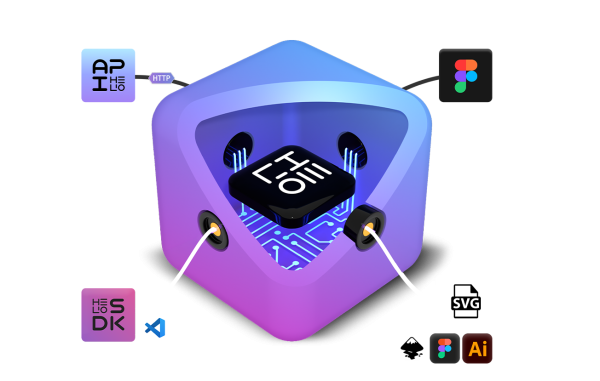
HELIO is a program for creating intuitive user interfaces, not a layout, graphics, or programming tool. To allow you to continue working with your familiar programs and using their features, we designed HELIO to easily integrate externally created components such as code, graphics, and designs. This way, HMIs created with HELIO become highly customized interfaces tailored to your exact needs.

The HELIP API Intelligent Automation
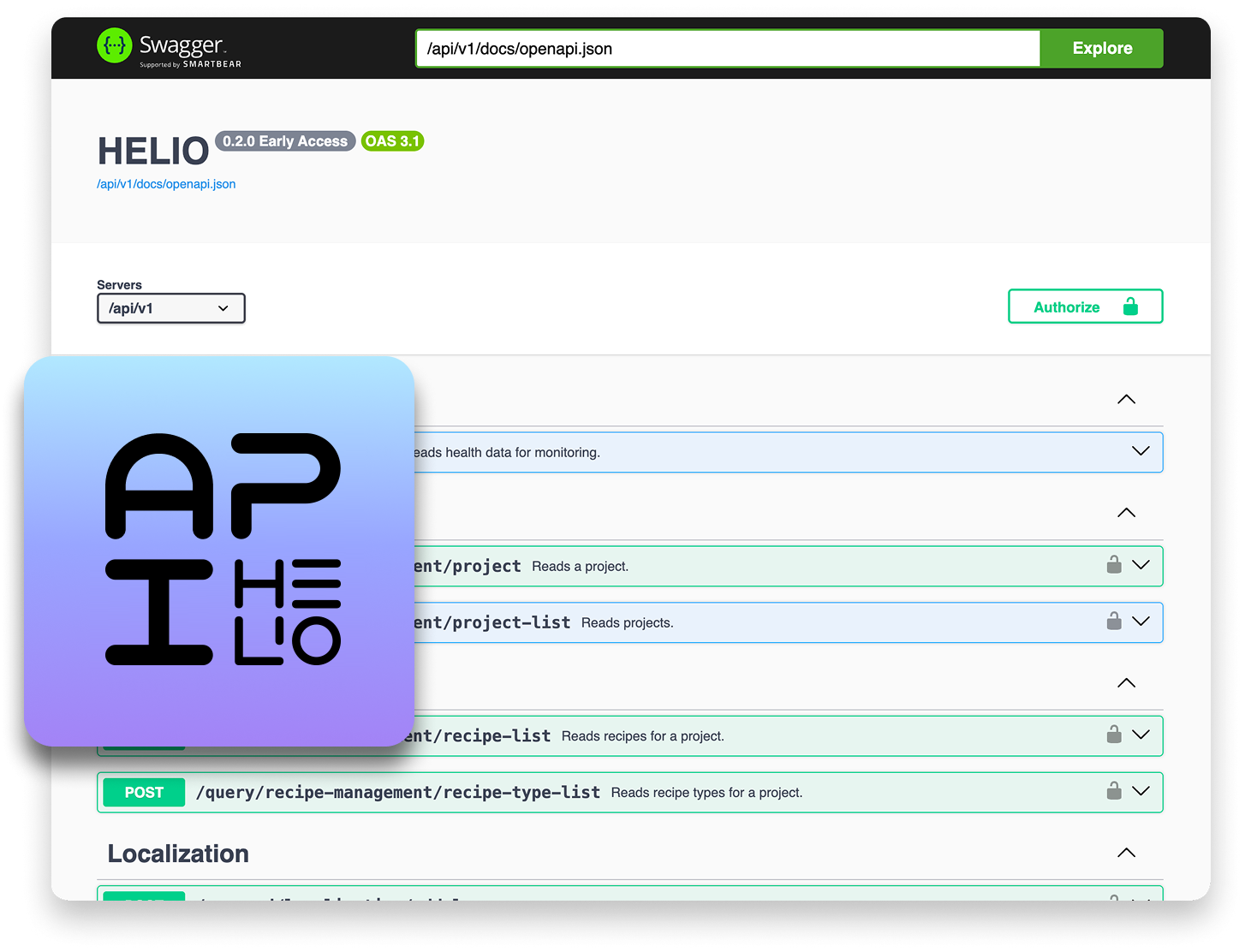
The HELIO API is a powerful tool for integrating scripts, applications or AI agents with HELIO, thereby greatly expanding HELIO’s capabilities.
Workflows can be automated, user roles managed or data analysed – all version-controlled and type-safe in accordance with the OpenAPI Specification.
More information about the API can be found in the documentation
he API is currently in the Early Access phase; if you’re interested, please get in touch with our team.
Programming Custom Controls & Logic
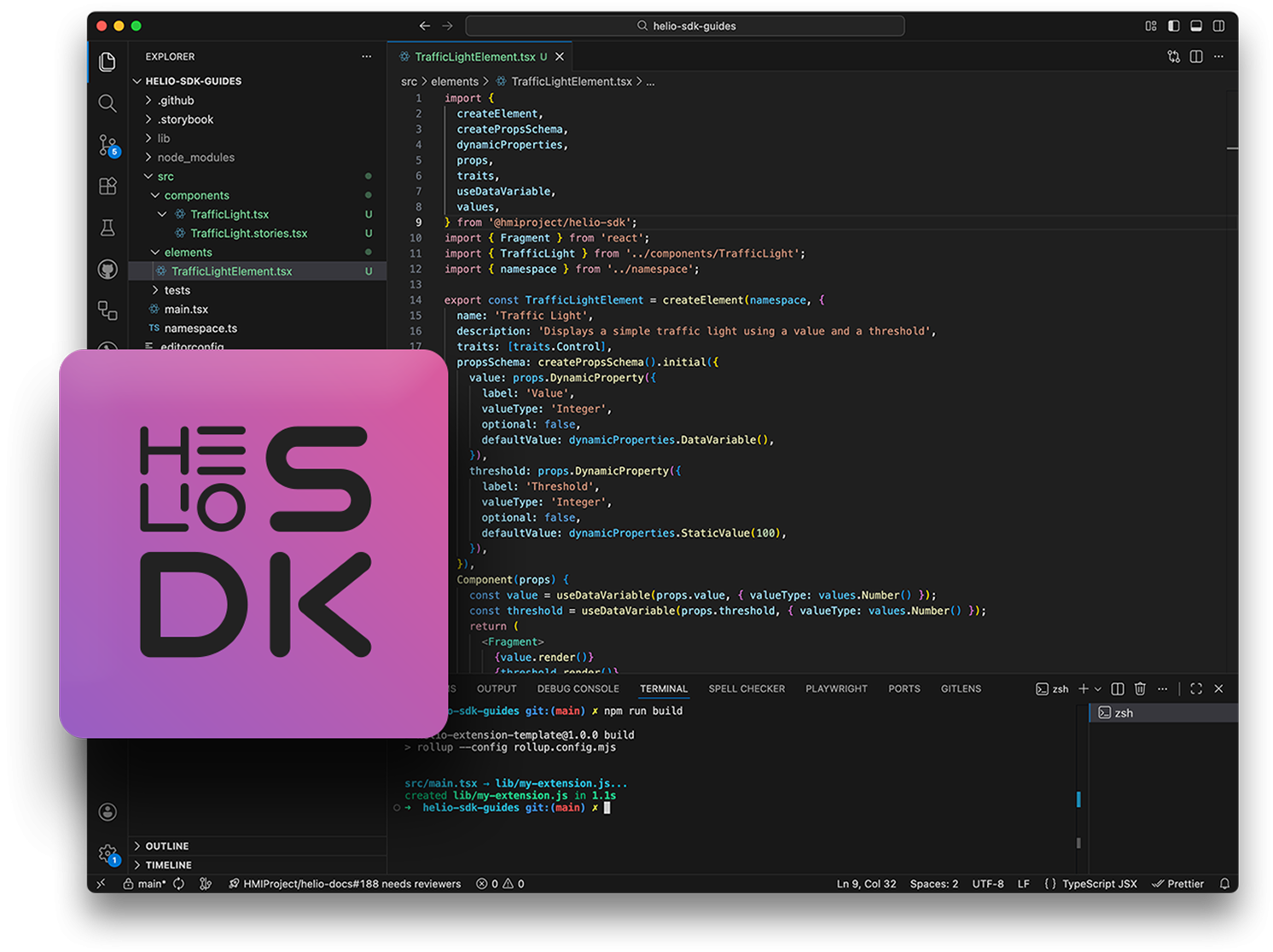
Use our SDK based on TypeScript and React to develop custom controls and functions. You can rely on your familiar standard tools like VS Code.
Find out everything about the HELIO SDK in our documentation: See what you can build with the SDK, learn about what you'll need and learn about how to build extensions using the SDK guide.
Interface Design Custom Designs & Themes
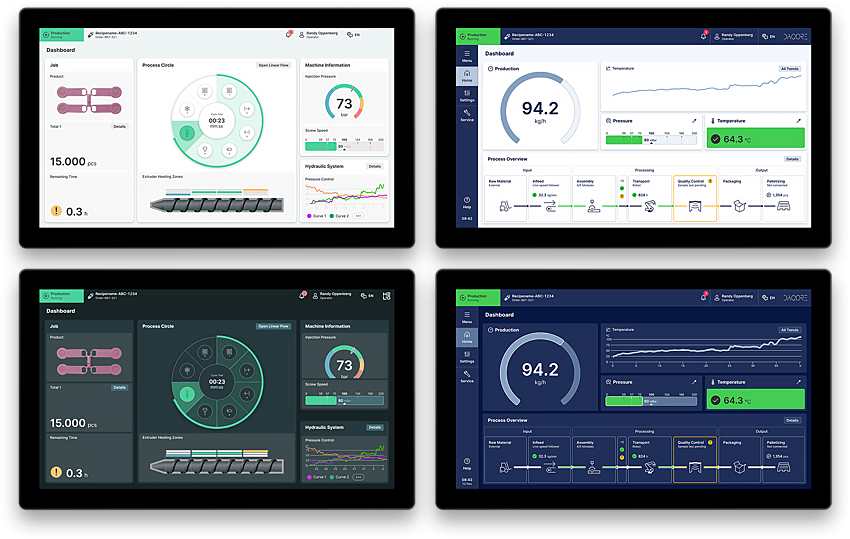
Design the user interface exactly according to your specifications or corporate identity guidelines. Our design services and the integration of Figma allow for the seamless implementation of professional themes.
HELIO interfaces can be fully customised to create HMIs that are 100% tailored to your company. HELIO's tailor-made interface design turns products into perfect ambassadors for the corporate brand.
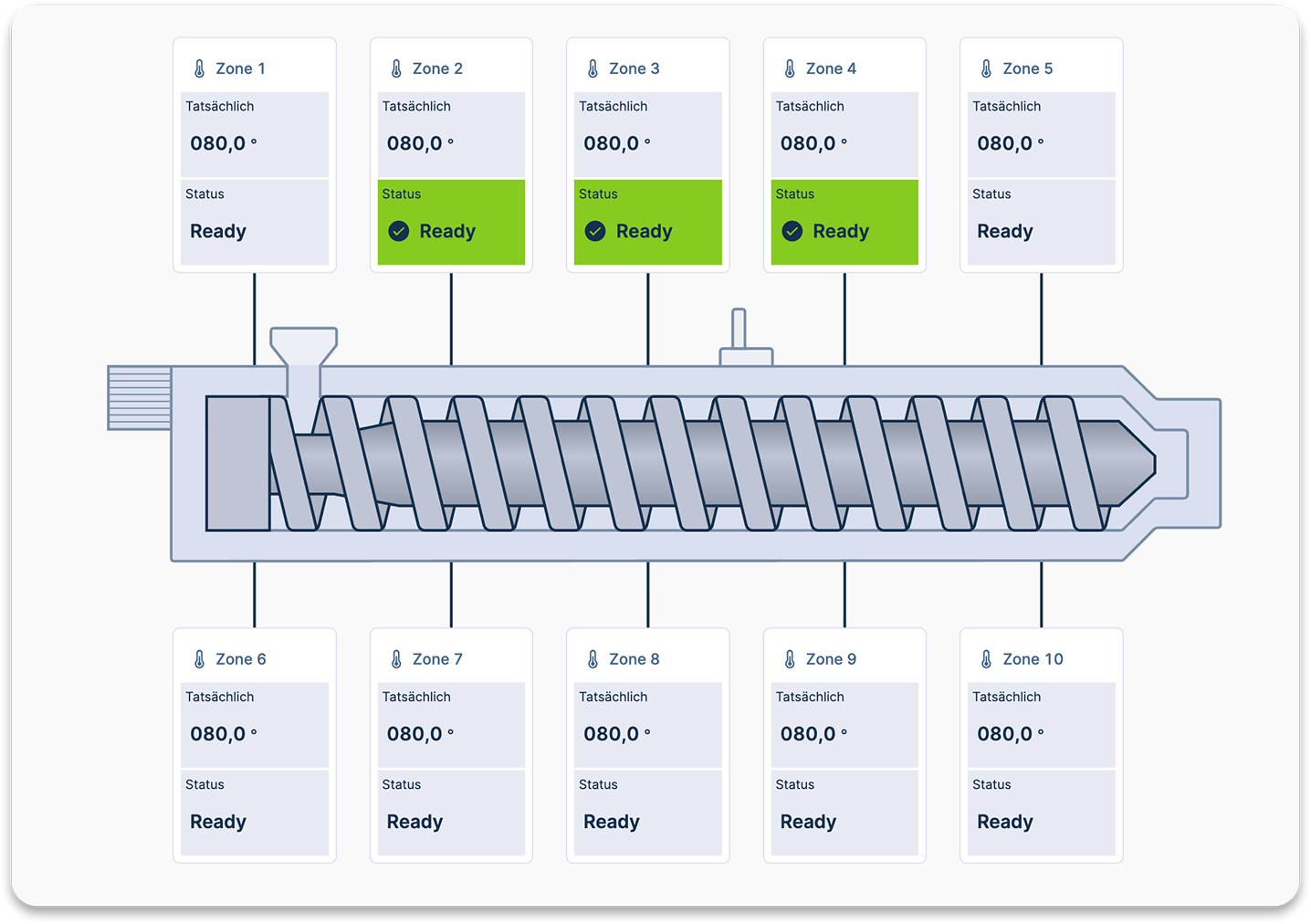
Illustration Interactive graphics
Bring your visualizations to life. Use familiar graphics tools like Inkscape, Figma, or Adobe Illustrator to create SVGs that can dynamically respond to data and be interactively controlled in HELIO.
HELIO can help you add more dynamics to your images. You can use it to show the status of a part of your machine within an illustration or to emphasize certain parts of your illustration. See our How-To-Video for reference.

“Simply use the tools you know and are comfortable with. Integrating the results is seamless and allows for maximum flexibility when creating your HMIs.”

Markus Buberl
Management HMI Project
HELIO Documentation
The knowledgebase
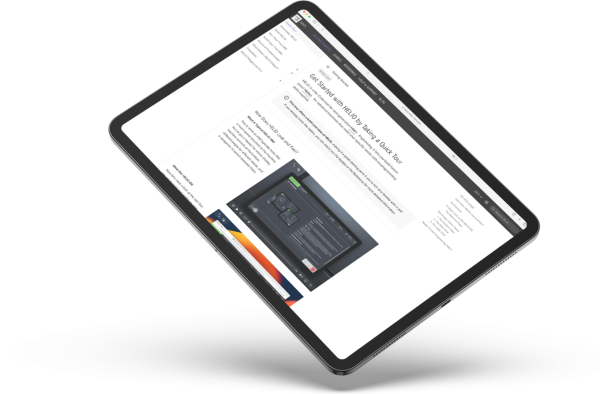
The HELIO Documentation is a comprehensive and constantly updated collection of resources, guides, videos and references. Here you will find everything you need to know to easily create your own HMIs with HELIO.
docs.helio-hmi.com